Manufacturing businesses across Melbourne already depend on technology to schedule production, coordinate teams and manage business data every day. However, good IT support in Melbourne involves more than fixing problems after they happen, especially when downtime, cyber threats and ageing infrastructure can stall a production line. In this guide, we’ll explain how managed IT services help Melbourne manufacturers strengthen cybersecurity, minimise disruptions and build a more reliable technology environment.
Key Takeaways
IT support for Melbourne manufacturers involves managing, maintaining and securing the technology systems that support production, business operations, communication and data management. In practice, this covers networks, servers, business applications, user devices, email, backups and security tools.
Manufacturing IT support is the ongoing management, maintenance and protection of the technology systems that businesses rely on to manage production, communication, operational processes and business information. For example, a metal fabrication shop relies on its network to send job orders from the front office to the workshop floor.
Traditional IT support is reactive, while managed IT services are proactive. Under the break-fix model, you call a technician after something fails and pay for each repair. With managed IT services, a provider monitors and maintains your systems continuously for an agreed fee.
| Feature | Traditional (break-fix) IT support | Managed IT services |
| Approach | Reactive: fixes problems after failure | Proactive: monitors and prevents issues |
| Cost pattern | Unpredictable, per incident | Predictable, usually a fixed monthly fee |
| Monitoring | Rarely included | Continuous, often 24/7 |
| Security | Ad hoc | Ongoing, managed protection |
| Planning | Little strategic input | Regular reviews and roadmaps |
Managed IT services involve outsourcing the ongoing monitoring, maintenance, security and technical support of business technology infrastructure to a specialist managed service provider (MSP). An MSP acts as an extension of your IT team. For instance, it can monitor your servers overnight and patch them before the next production shift starts.
Plus, good business IT support services give your staff a helpdesk to call when a workstation, label printer or shared drive stops working. This is the practical core of MSP IT support for manufacturers.
Manufacturing businesses in Melbourne need managed IT services because production, ordering, stock control and communication all depend on systems that must stay available. Managed IT services help manufacturing businesses maintain reliable technology infrastructure, strengthen cybersecurity, improve operational continuity and reduce the impact of unexpected IT disruptions.
Here is how reliable IT support connects to operational performance:
For example, if your ERP system goes offline mid-shift, operators may lose access to work orders, and dispatch may stall. Each of those delays carries a cost. Moreover, reliable access to business applications supports everything from quoting to invoicing.
The most common IT challenges facing Australian manufacturers are unexpected outages, outdated infrastructure, cybersecurity vulnerabilities, weak backups and limited internal IT resources. These problems appear across food processing, automotive components, metal fabrication, packaging and industrial production.
A manufacturing business should have monitoring, helpdesk support, network management, cybersecurity, cloud services, Microsoft 365 management, backup and recovery, infrastructure management and IT consulting. An MSP provides these services under one agreement, which is why MSP services suit manufacturers with lean internal teams. Together, they form the foundation of managed IT services for manufacturers in Melbourne.
Proactive IT monitoring identifies potential issues before they cause disruption. For example, an alert about a failing hard drive lets a technician replace it before the file server stops during production.
Managed IT support gives employees ongoing access to technical assistance. A supervisor locked out of a scheduling application can get help quickly, so the shift keeps moving. Look for proactive managed IT support that covers both office and floor staff.
Network management maintains reliable connectivity across business locations. Dependable IT network monitoring and management matters when a warehouse, workshop and head office all rely on the same systems.
Cybersecurity management protects systems, networks and sensitive information. Strong managed cybersecurity services typically include endpoint protection, patching, access controls and security awareness for staff.
Cloud services support secure access to business applications and information from multiple locations. Cloud IT services for businesses can give sales, finance and operations teams shared access without relying on a single on-site server. Plus, Microsoft 365 management covers email, Teams and SharePoint, so departments stay coordinated.
Backup and disaster recovery helps businesses restore data and systems after an incident. For instance, automated backups to a secure location let a plastics manufacturer recover job records after a ransomware attack. Strong backup and disaster recovery solutions include regular recovery testing.
Server and infrastructure management keeps core systems patched and reliable. At the same time, IT consulting aligns technology investment with business objectives. Explore IT consulting and strategic technology planning to plan upgrades before ageing equipment fails.
Managed IT services reduce manufacturing downtime by detecting problems early, applying preventative maintenance and speeding up recovery when incidents occur. They cannot eliminate downtime entirely, but they can lower its frequency and impact.
Proactive IT support involves continuously monitoring systems, identifying potential technical issues, performing preventative maintenance and resolving risks before they develop into major business disruptions.
Reactive support, by contrast, starts only after production has already stopped.
Here is how proactive management typically works:
For example, a manufacturer with recurring network interruptions could use proactive monitoring, an infrastructure assessment and preventative maintenance to find the underlying cause, such as an overloaded switch, before further disruptions occur.
Proactive IT support improves productivity by keeping systems fast, available and secure. Fewer outages mean fewer interruptions to scheduling, ordering and reporting. In addition, regular maintenance prevents the slow degradation that frustrates staff and wastes labour hours.
Melbourne manufacturers should be aware of ransomware, phishing, credential theft, unpatched systems and attacks that use legitimate tools to avoid detection. Manufacturing cybersecurity matters because an incident can halt production, not just expose data.
Recent data shows how attacks are evolving:
Consequently, cybersecurity and business continuity are closely connected for manufacturers. A breach that locks your order system can stop shipments just as surely as a broken machine.
Manufacturers can protect data and infrastructure through layered security, regular patching, tested backups and staff awareness. By following guidance from the Australian Cyber Security Centre (ACSC), part of the Australian Signals Directorate (ASD), such as the Essential Eight mitigation strategies, you can build a practical baseline—for example, multi-factor authentication on email and remote access blocks many credential-based attacks.
Backup and disaster recovery is important for manufacturing companies because it lets them restore production data, financial records and systems after hardware failure, human error or cyberattack. Without a tested plan, recovery can take days.
Importantly, a backup is only useful if it restores correctly. For example, a food processor should test restoring its batch-traceability records, not just confirm the backup job ran. Similarly, business continuity planning defines who does what when systems fail, so teams act quickly instead of improvising.
Cloud services improve manufacturing operations by giving authorised staff secure access to applications and data from any approved location. For example, a Melbourne manufacturer with a head office and a regional plant can share documents and email through Microsoft 365 without relying on a single on-site server.
That said, cloud migration needs planning. An IT assessment can identify which applications suit the cloud and which legacy manufacturing systems should stay on-site. Our guide to Microsoft 365 support and management explains how to keep these environments secure.
Yes, an MSP can support manufacturing businesses with multiple locations by managing networks, devices and users centrally through remote monitoring and on-site support when required. For instance, one helpdesk can assist a head office, a warehouse and a production site.
Additionally, consistent security policies across every site reduce gaps attackers can exploit. If you operate across Australia, see our IT support for Australian businesses coverage, or our IT support in Brisbane page for interstate sites.
Manufacturers choosing an IT support provider should evaluate its technical expertise, cybersecurity capabilities, proactive monitoring processes, disaster recovery planning and understanding of manufacturing operations. Price matters, but the cheapest option rarely understands how an hour of downtime affects your production schedule.
Use this checklist when comparing Melbourne IT support providers:
For example, ask any provider how it would respond if your scheduling server failed at 6 am. The quality of the answer reveals how well they understand your operations.
Managed IT services costs vary with the number of users, devices, locations, security requirements and service levels. Most MSPs use a fixed monthly fee, per user or per device, which makes budgeting easier than break-fix billing. Because every manufacturer differs, request a written quote based on an assessment of your environment, and confirm exactly what is included.
Practical IT solutions for manufacturing businesses match specific operational problems to specific MSP services. This table connects common challenges to practical fixes:
| Manufacturing challenge | Recommended IT solution |
| Unexpected network failures | Network monitoring and management |
| Production system interruptions | Proactive infrastructure maintenance |
| Cybersecurity risks | Managed cybersecurity services |
| Important data loss | Automated backups and disaster recovery |
| Communication difficulties | Microsoft 365 and cloud collaboration |
| Outdated infrastructure | IT assessments and infrastructure upgrades |
| Increasing IT requirements | Scalable managed IT services |
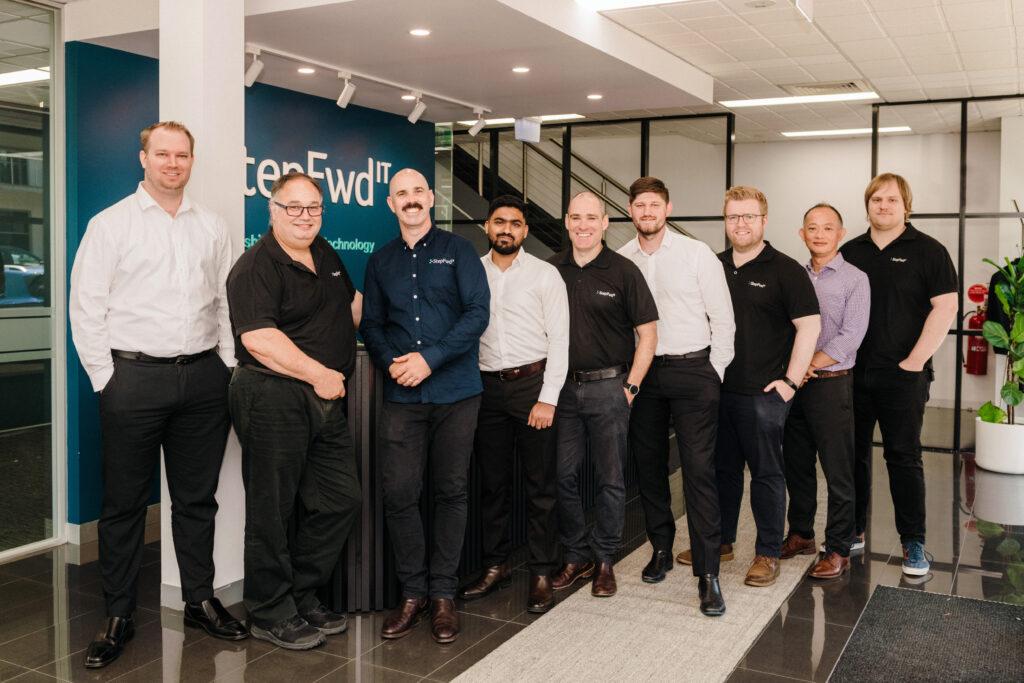
Step Fwd IT supports Melbourne manufacturing businesses with managed IT services, including proactive monitoring, IT support, network management, cybersecurity, cloud services, Microsoft 365, backup and disaster recovery, and IT consulting. Explore our managed IT services in Melbourne to see how these fit together.

In other words, Step Fwd IT managed services are designed to reduce disruption and give manufacturers a clear, dependable support partner. You can also compare options from other providers and use free resources, such as the ACSC’s Essential Eight guidance, to benchmark your current security.
Melbourne manufacturers can improve their IT environment by assessing current systems, fixing recurring problems and building a technology plan with an experienced MSP. By following these steps, you can move from reactive firefighting to planned improvement:
Step Fwd IT can be a partner for businesses looking to improve their IT environment, starting with a conversation about your current challenges.
Conclusion: Build a More Reliable Technology Environment for Your Manufacturing Business
Reliable IT infrastructure, proactive monitoring, strong cybersecurity and responsive technical support all help manufacturers protect production and plan with confidence. Downtime may never disappear completely, but a proactive approach reduces how often it happens and how much it costs. The manufacturers who act early are the ones best prepared when something goes wrong.
Looking for dependable IT support in Melbourne? Step Fwd IT can help your business build a more secure, reliable and efficient technology environment. Get in touch to discuss your managed IT requirements.